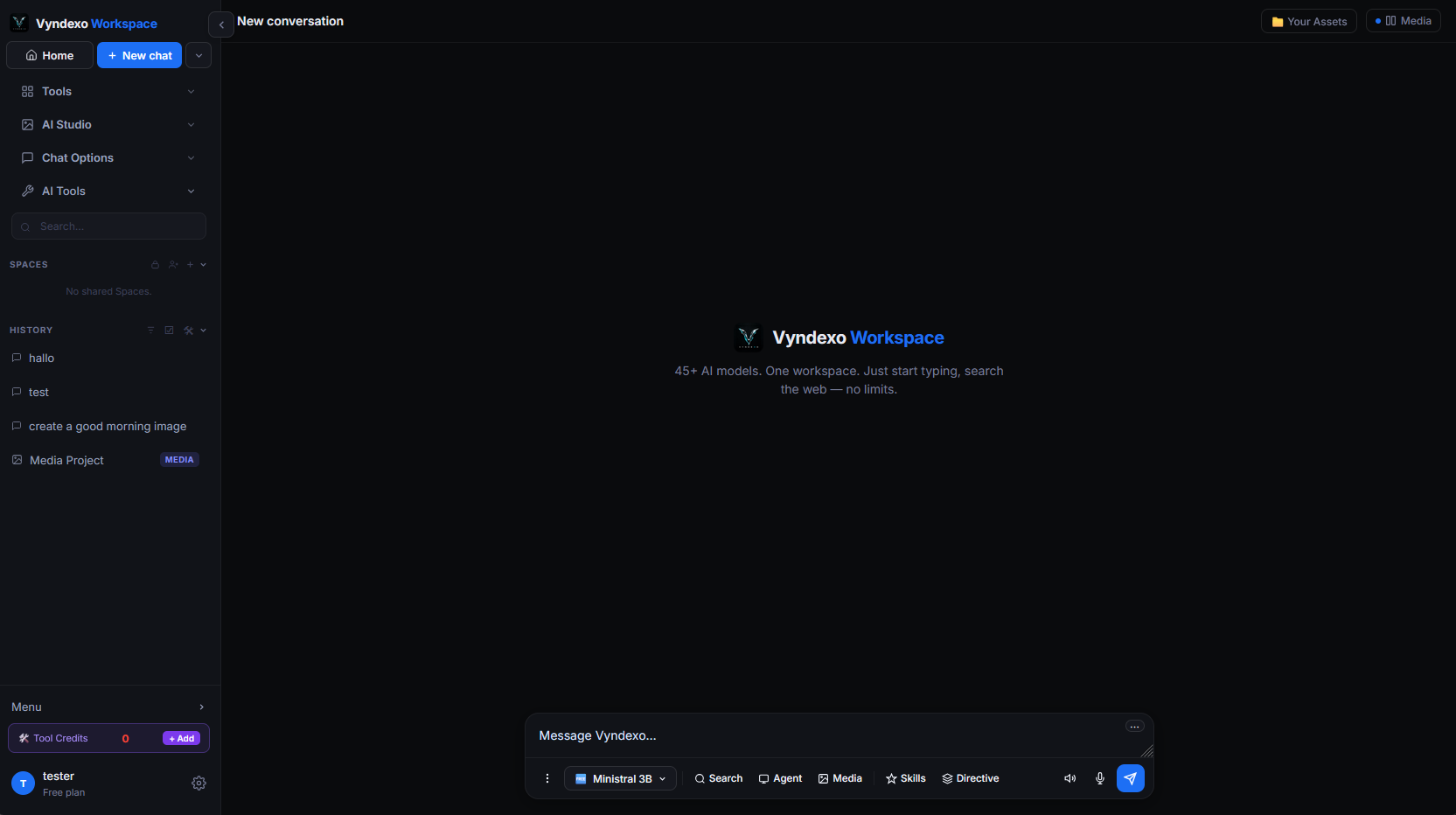
One chat box. Every model.
This is the whole workspace. On the left, four sections hold everything: Tools, AI Studio, Chat Options and AI Tools. In the middle is the chat: one box where you type, with the model pill underneath to pick any of the 74 chat models — or leave your saved default. Next to the pill sit Search, Agent, Media, Skills and Directive, so web search, agents, image and video generation and your own instructions are one click away, inside the same conversation.
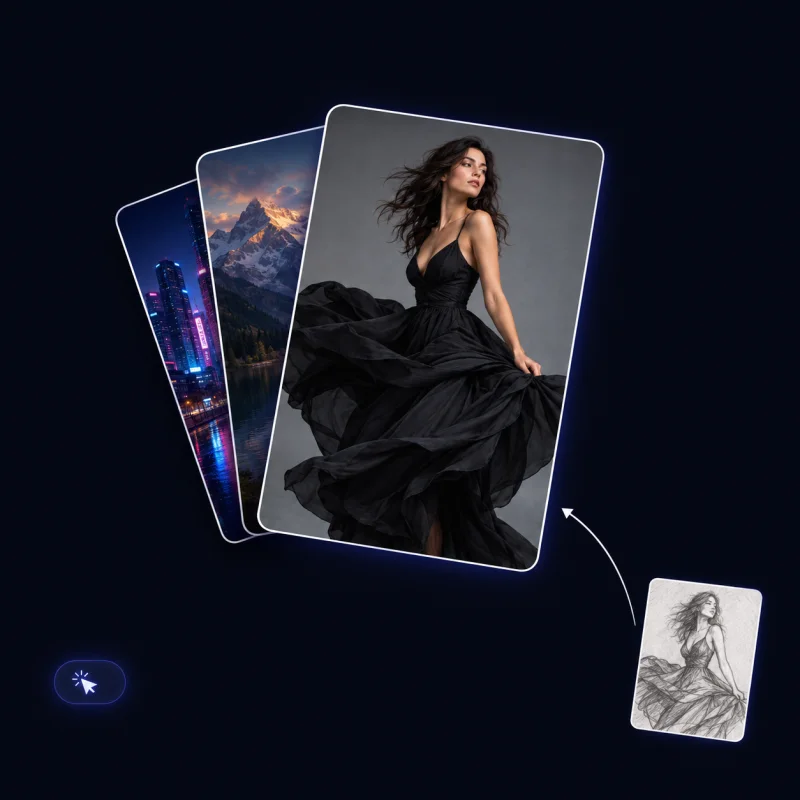
Every tool, one canvas
Everything in the Media Studio sits next to the chat and shares your projects. Click any tile to open it.
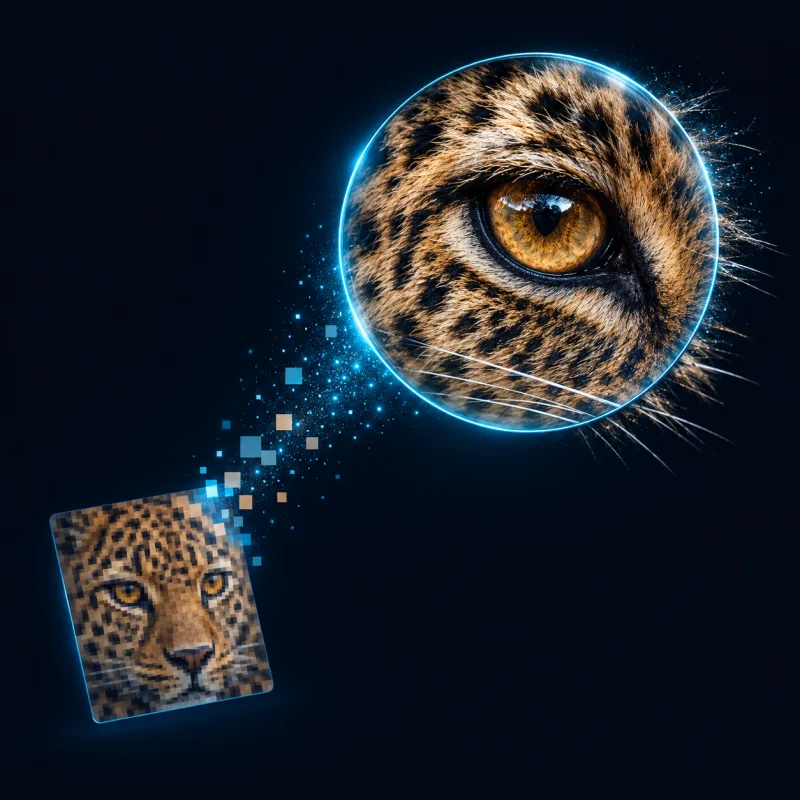
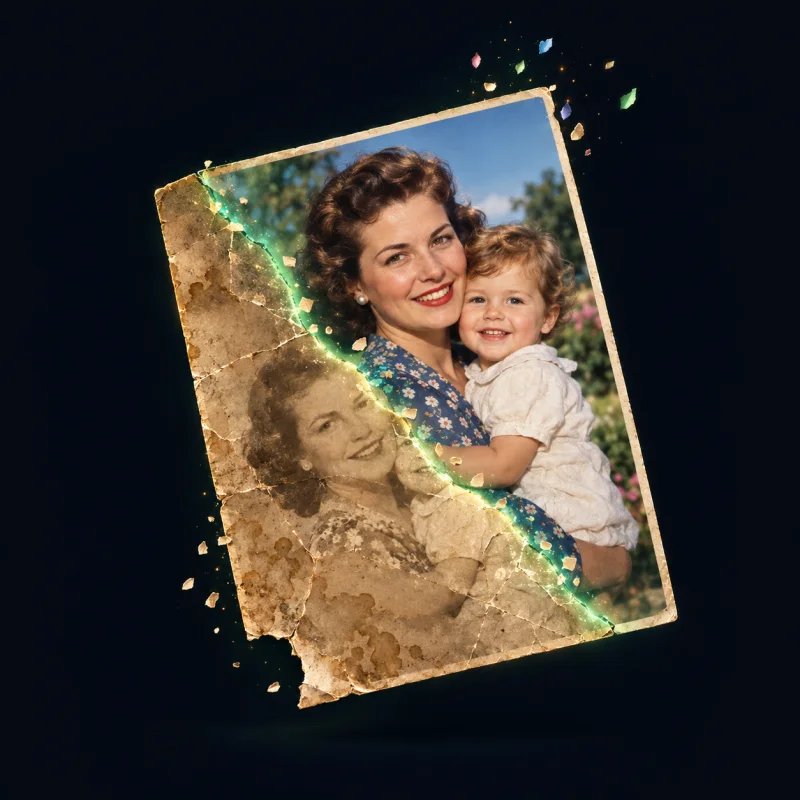
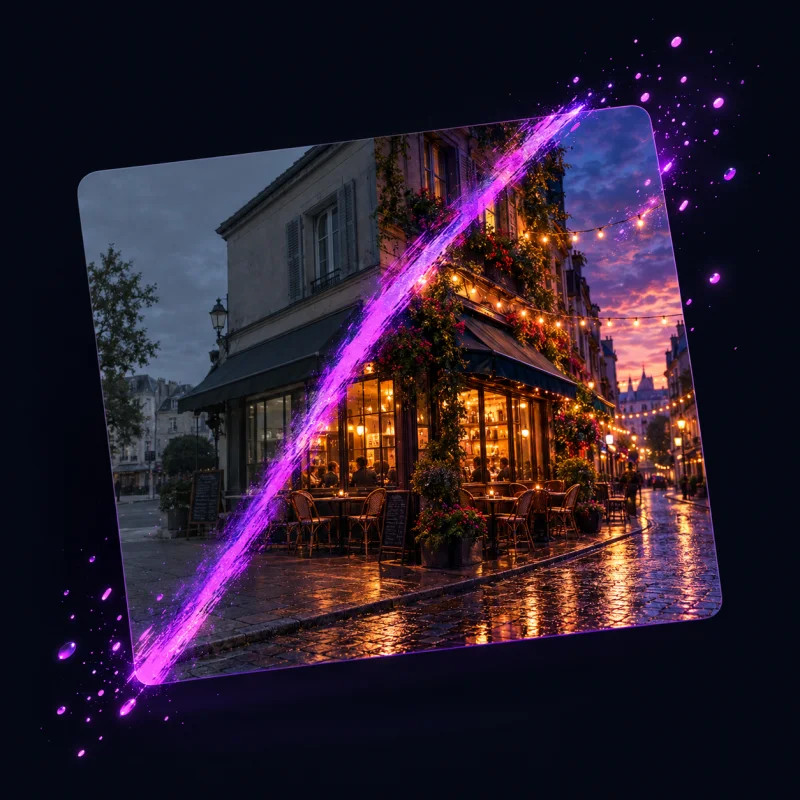

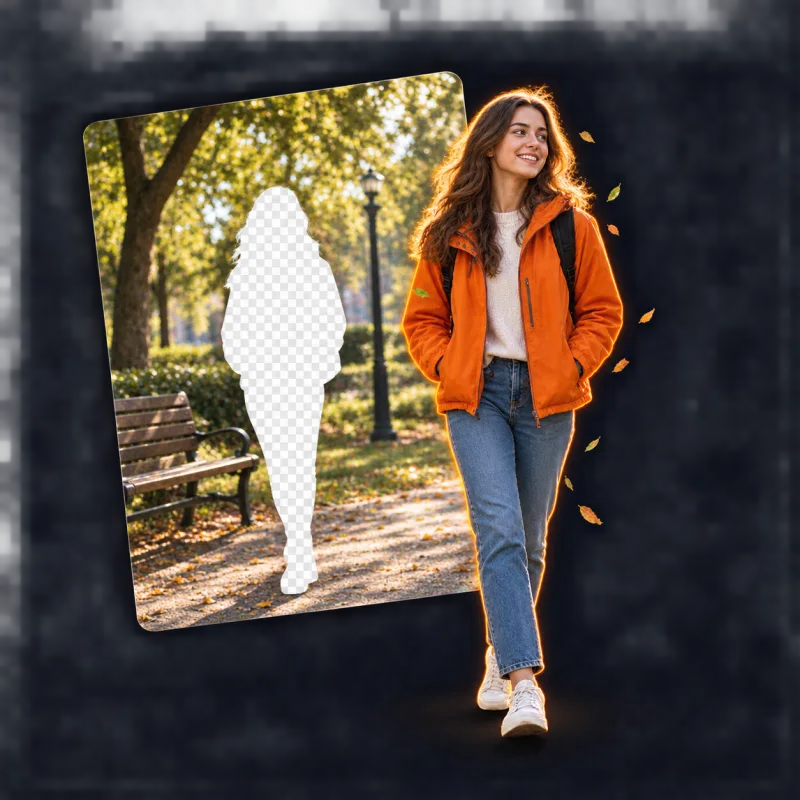
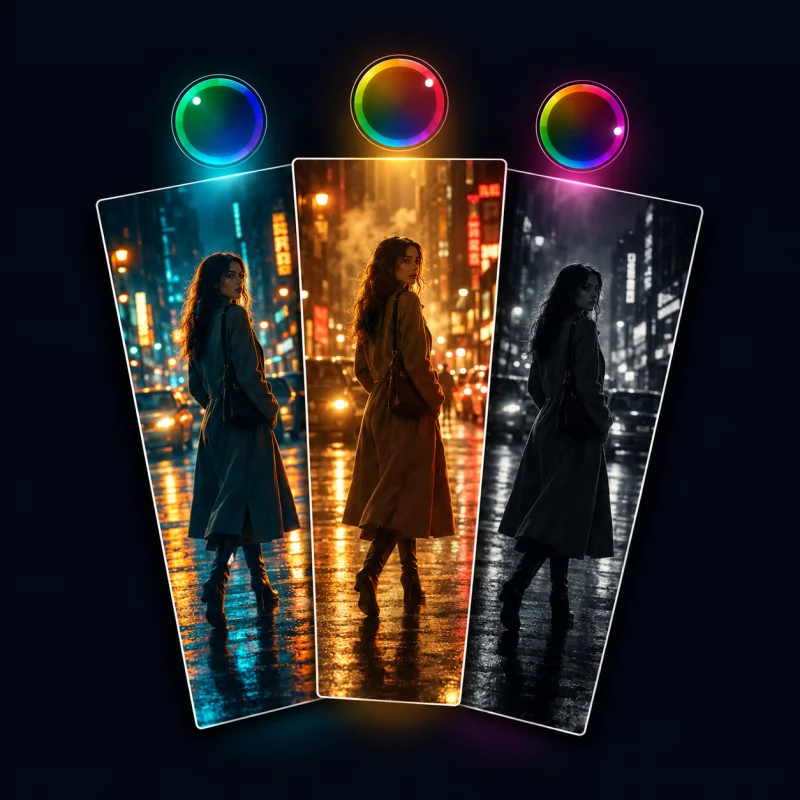
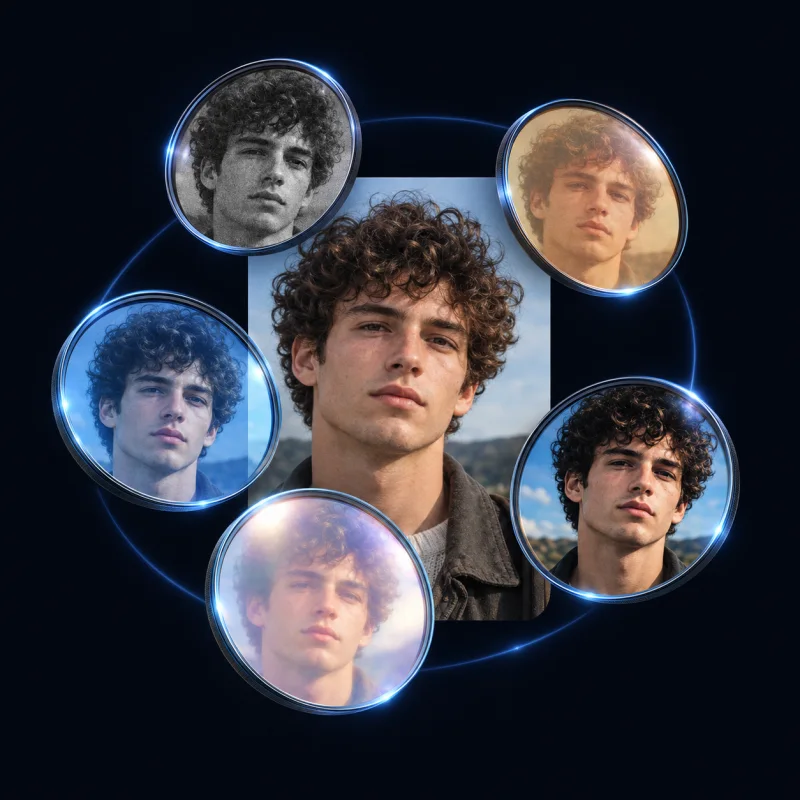
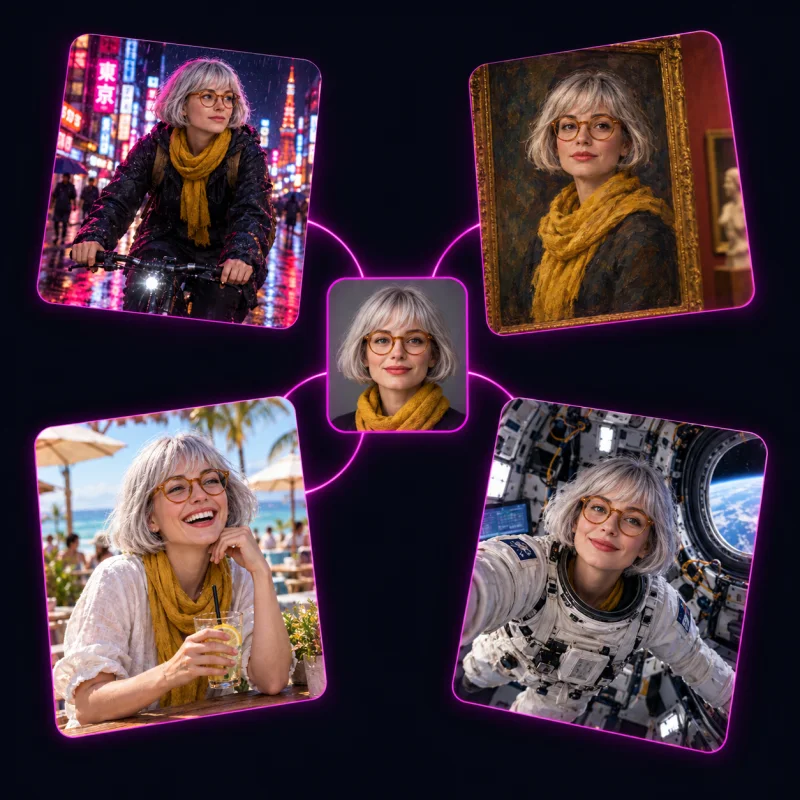
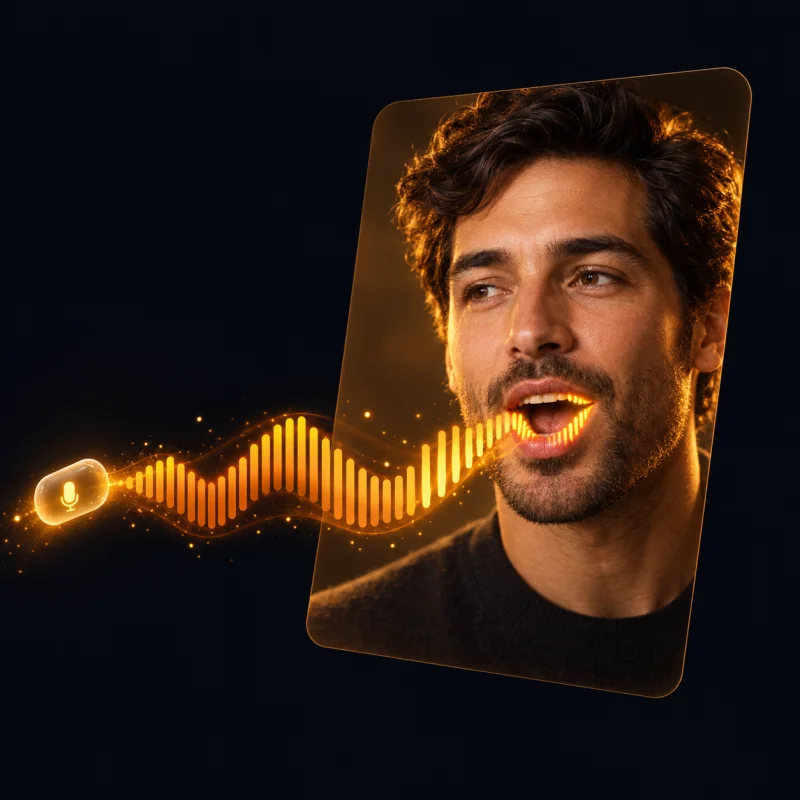
Four places everything lives
The same four sections you see in the workspace sidebar. Open one for the full explanation of every tool inside it.

Tools
Everyday utilities built into the workspace — the quick actions you reach for while you chat and create.
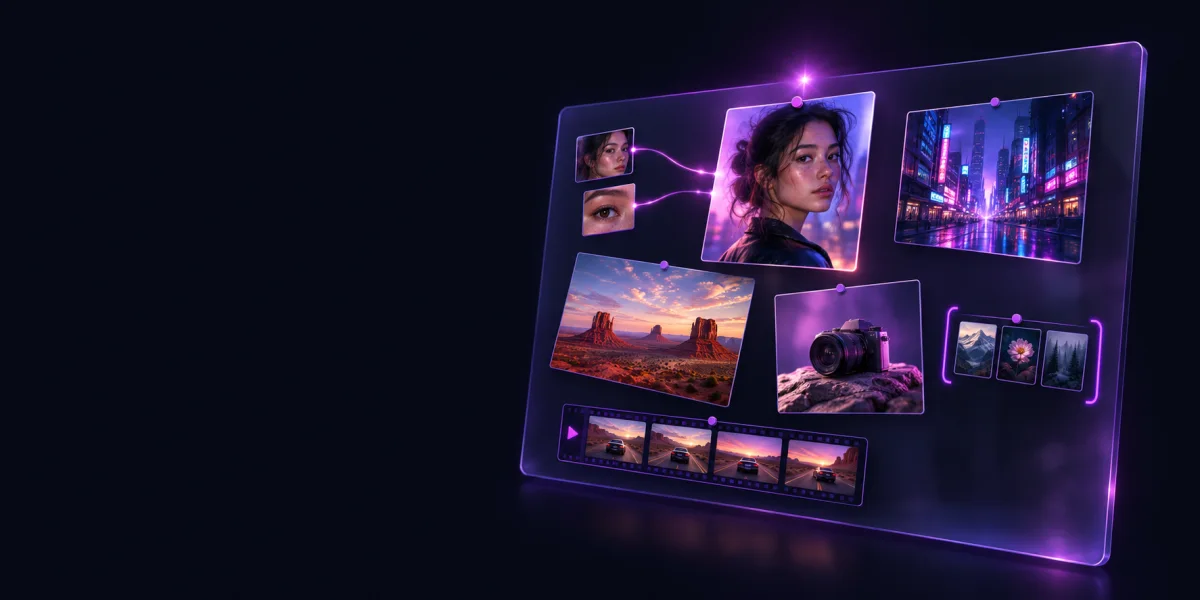
AI Studio
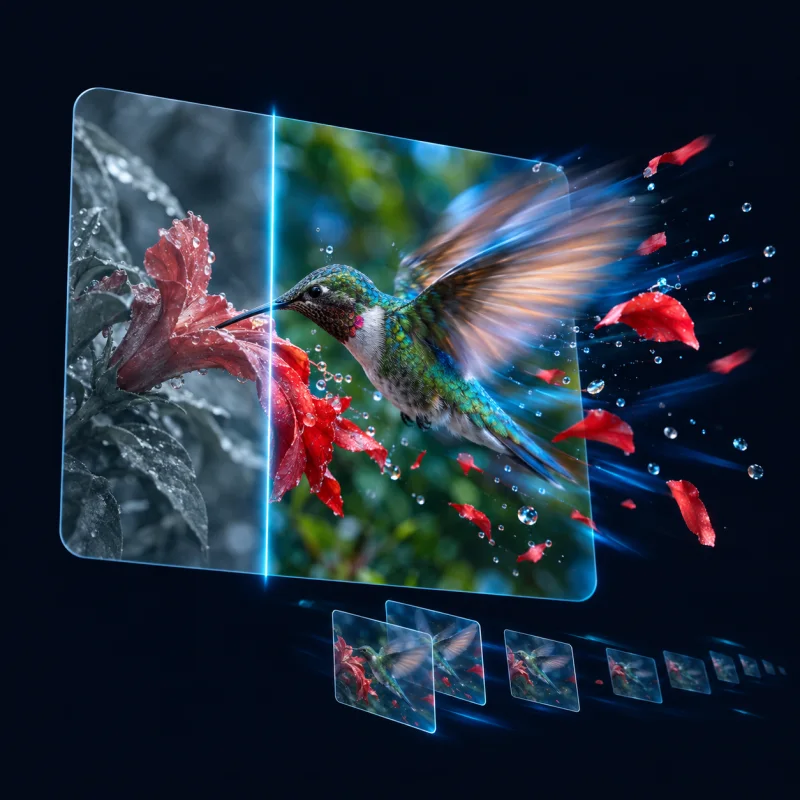
Image and video generation, references, groups and the canvas. Where the 45 image and 69 video models live.

Chat Options
Models, search, agents, skills, directives, personas and spaces — everything that shapes how a conversation behaves.
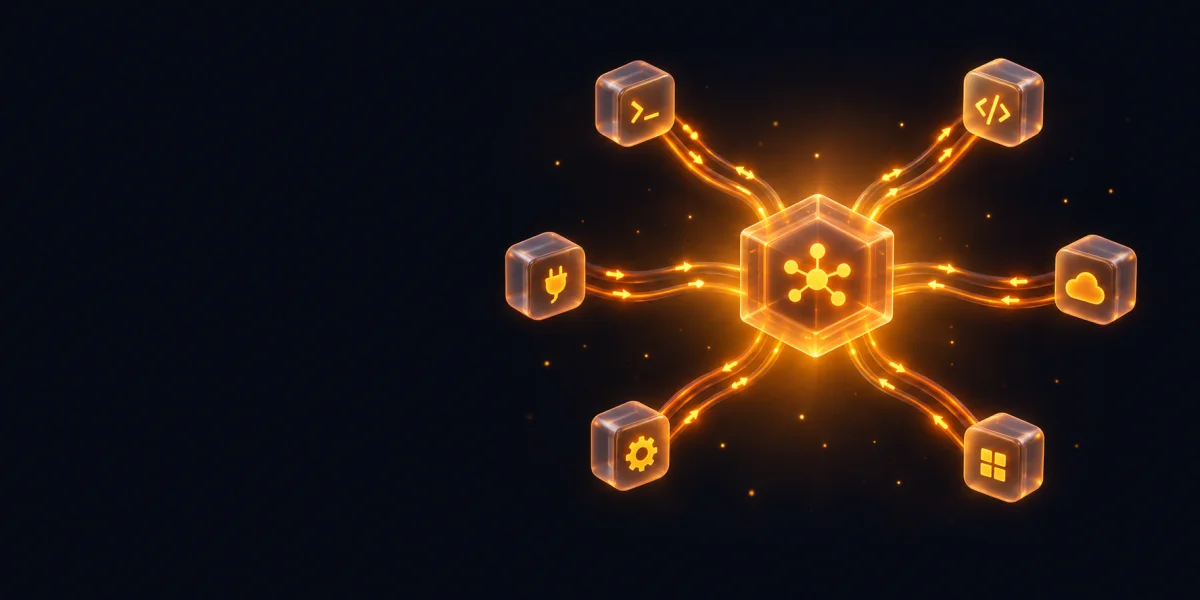
AI Tools
Two-way MCP: let Vyndexo call your own tools, or use its chat, search and media generation inside Claude, Cursor and more.