
Canvas
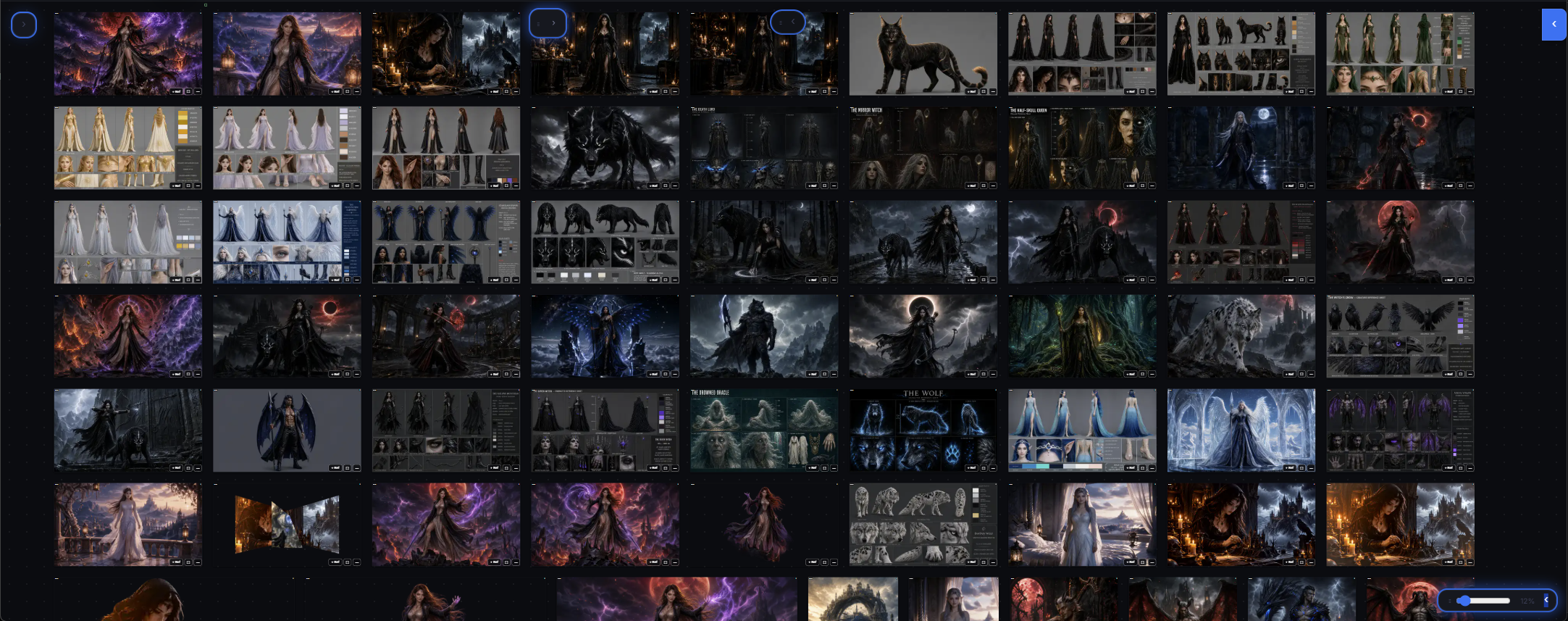
Close the panels and the same room becomes your canvas: every image and video you have made, laid out in front of you. Pick any result and send it straight back into the generation box as a reference, into a chat, or into a media project — nothing has to be downloaded and re-uploaded.
What it does
Keeps all your generated media in one view, grouped by project, with the prompt and model that produced each one.
What it's for
- Comparing variations before you choose one
- Building a series: take a result, use it as reference, generate the next step
- Collecting assets for a media project or a client
Good to know
Assets can be imported from your computer, from the canvas itself, and from the history of other media projects. Drag an image from one slot to another and the two swap places.
Frequently asked
What is the Canvas?
The same studio room with the panels closed: every image and video you have made, laid out in front of you and grouped by project.
Can I reuse a result without downloading it?
Yes. Pick any result and send it straight back into the generation box as a reference, into a chat, or into a media project — nothing has to be downloaded and re-uploaded.
Does the Canvas remember how something was made?
Each item keeps the prompt and the model that produced it, so you can see exactly how a result came about.