
Scheduled Tasks
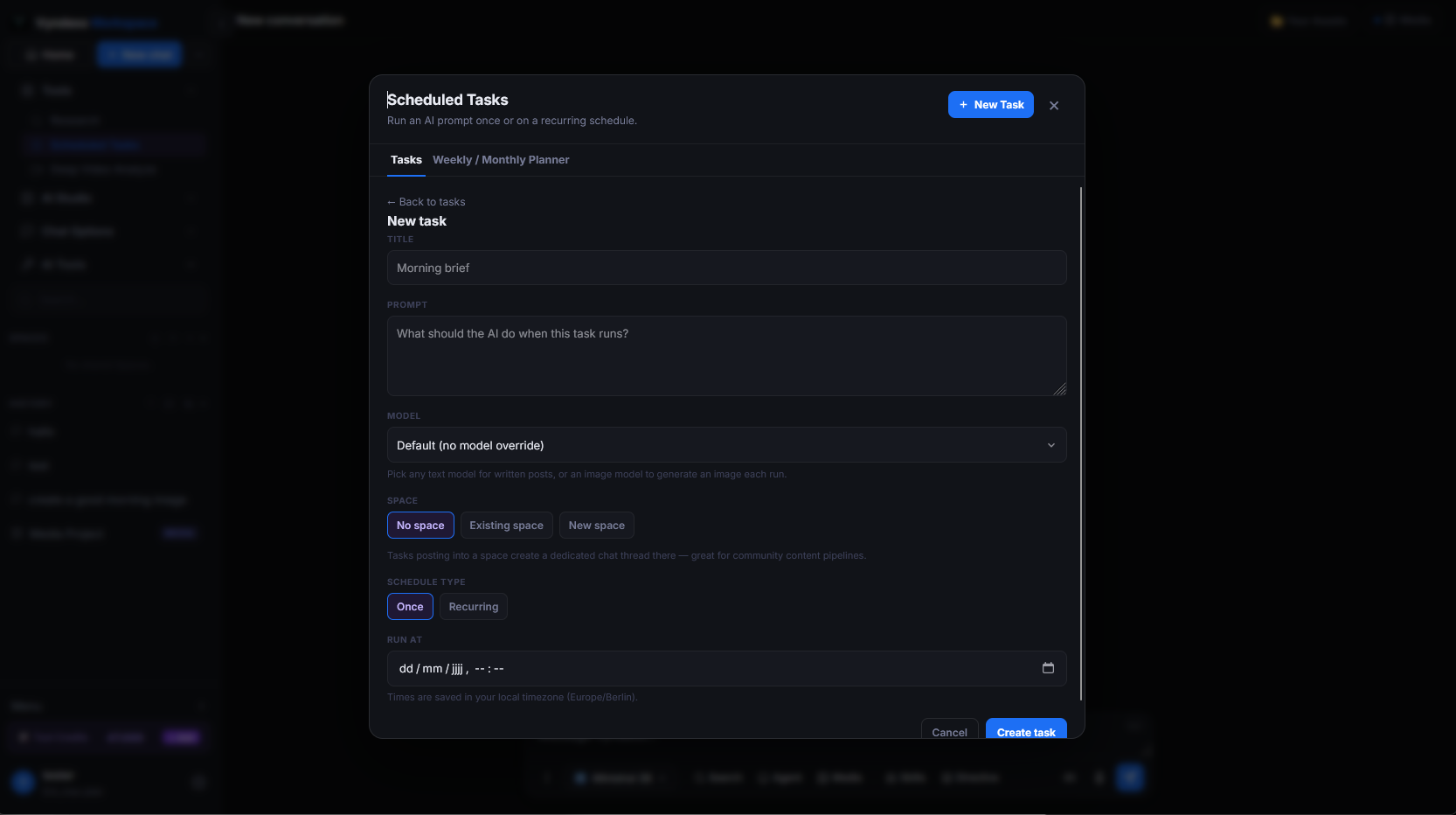
Write a prompt once and let it run on a schedule — every morning, every Monday, or whenever you set. The result is waiting in your workspace when you come back, with the model and options you chose.
What it does
Saves a prompt together with a time or interval, runs it automatically, and files each result as a new conversation in your history.
What it's for
- A daily digest of news on a subject you follow
- Weekly reports or summaries you would otherwise type by hand
- Checking a price, a page or a market at fixed times
Good to know
Each run costs the same as sending that prompt yourself with that model. You can pause, edit or delete a task at any time from the Tools section.
Frequently asked
How do Scheduled Tasks work?
You save a prompt together with a time or interval and the model and options you chose. Vyndexo runs it automatically and files each result as a new conversation in your history.
What can I schedule?
A daily digest of news on a subject you follow, weekly reports, recurring checks — anything you would otherwise type again every time.
Where do I find the results?
In your workspace history, waiting for you when you come back, each run as its own conversation.