Vyndexo Studio
The AI prompt generator for every video & image model. Seedance, Veo 3.1, Kling, Wan, Midjourney and more — ship cinema-grade prompts in seconds.
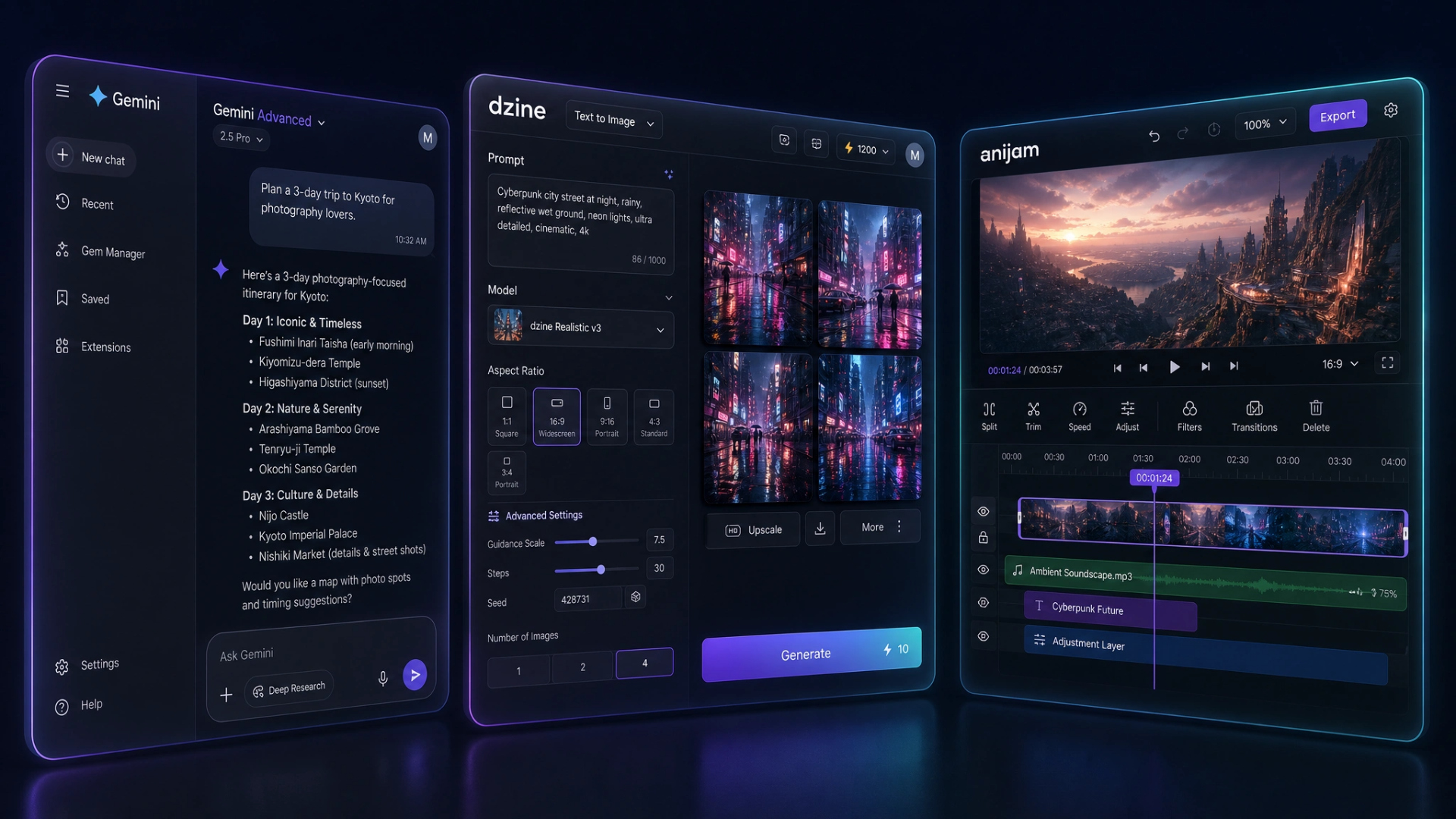
Vyndexo Studio and Vyndexo Workspace put every major AI model behind one clean interface — prompt generation, multi-model chat, image & video generation, and AI companions with memory. Plus Discord bots like ScamGuard, built and hosted on our own infrastructure.
Pulled from our production database. Updated live. No vanity metrics, no inflated counts — just what's running right now across our products.
The all-in-one AI workspace — chat, image generation, video generation and your whole team, in one place.
45+ AI models side by side, AI companions with real memory, and built-in image & video generation — no juggling five different AI subscriptions. Free tier live. Pro and above unlock more models, memory, and team seats.
The AI prompt generator for every video & image model.
Seedance, Veo 3.1, Kling, Wan, Midjourney, Nano Banana and more — ship cinema-grade prompts in seconds. Builder, Chat Editor, character sheets, intent presets and Director. Free tier live. Pro+ and Ultimate unlock advanced features.
The most advanced Discord security bot on the planet. Real-time scam detection, global ban network, image hash scanning, Chat Guard approval, and a full web dashboard — all for €4.99/month per server.
What We Build
Vyndexo is no longer an agency taking on client work. We build and run our own AI products — plus the Discord bots that started it all.
The AI prompt generator for every video & image model. Seedance, Veo 3.1, Kling, Wan, Midjourney and more — ship cinema-grade prompts in seconds.
The all-in-one AI workspace — 45+ models, image & video generation, and AI companions with memory, all in one place for your whole team.
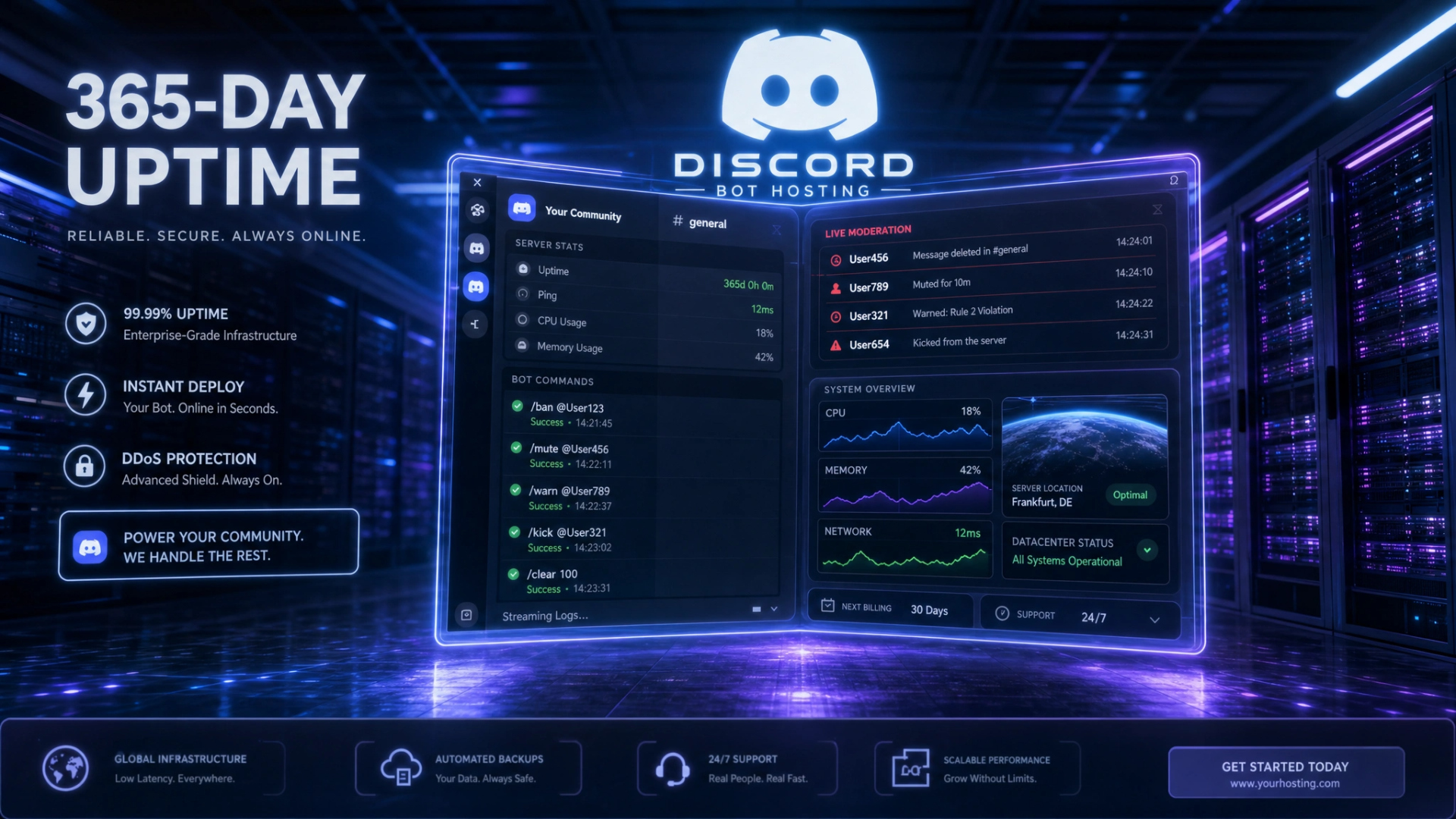
ScamGuard and custom bots for moderation, automation, and community management. Hosted on our own infrastructure. 365-day uptime.
Why Vyndexo
We are developers. We build the thing ourselves and host it ourselves. You deal with the same person from brief to launch.
Every website is written from scratch. No WordPress, no drag-and-drop tools. Your site is unique, fast, and fully yours.
Hosted on our own dedicated server — not a shared hosting plan. We control the stack, the uptime, and the performance.
You speak directly to the developer building your project. No account managers, no lost-in-translation briefs.
Semantic HTML, structured data, Core Web Vitals optimized, meta tags, Open Graph — SEO is built in from line one, not bolted on later.
Studio and Workspace are built by the same small team, on the same infrastructure. No handoffs, no outsourcing — the people who built it support it.
We don't close at 5pm. If your bot goes down at 2am or your site breaks the day before launch, we're there.
Why choose us
No marketing fluff. Side-by-side facts — what we deliver vs. what typical agencies, no-code platforms and AI tool resellers actually give you.
| Feature | Vyndexo | Typical agency | WordPress / no-code shop | AI tool reseller |
|---|---|---|---|---|
| Code ownership | ✓ Hand-coded, yours forever | ~ Template + plugins | ✗ Locked to platform | ✗ N/A |
| Own infrastructure | ✓ EU servers, full control | ✗ Resold hosting | ✗ Vendor lock-in | ✗ Third-party only |
| Custom AI integrations | ✓ Multi-model, your data | ~ Pre-built widgets | ✗ Plugin marketplace only | ~ Single-tool wrapper |
| Discord bot development | ✓ ScamGuard · ChatGuard · custom | ✗ Not offered | ✗ Not offered | ✗ Not offered |
| Support availability | ✓ 365 days, founder direct | ~ Business hours, ticket queue | ✗ Community forums | ✗ Email only, 48h+ |
| Quote turnaround | ✓ Within 24 hours | ~ 3–7 days | ~ Plan-based pricing | ✓ Instant (but generic) |
| Page builder dependency | ✓ Zero — pure code | ~ Elementor / Webflow | ✗ Hard requirement | ✗ No site at all |
| Performance score | ✓ 95+ Lighthouse | ~ 60–80 typical | ✗ 30–60 with plugins | ~ Varies wildly |
| Pricing transparency | ✓ Public plans + Stripe | ✗ "Contact for quote" | ✓ Public | ✓ Public |
| Long-term maintenance | ✓ Monitored · updated · supported | ~ Retainer required | ✗ Plugin breakage on you | ✗ Not their problem |
Comparison based on public pricing pages and typical tool/agency offerings as of June 2026. Specific competitors omitted; this represents typical category behavior.
Process
Tell us what you need. We ask the right questions, align on scope, and give you a clear quote within 24 hours.
We code your site or tool from scratch. You see real progress — no mockups rotting in Figma for weeks.
You test the live preview and give feedback. We iterate fast until it's exactly right.
We go live on your domain. Your site is monitored, updated, and supported. You focus on your business.
Early access
We're early. Honest about it. The voices below are real founders, server owners and creators shaping Vyndexo right now — your name could be the next quote here.
Stack
Ready?
Questions about Studio, Workspace, or our Discord bots? Want to partner up? Tell us what you need.